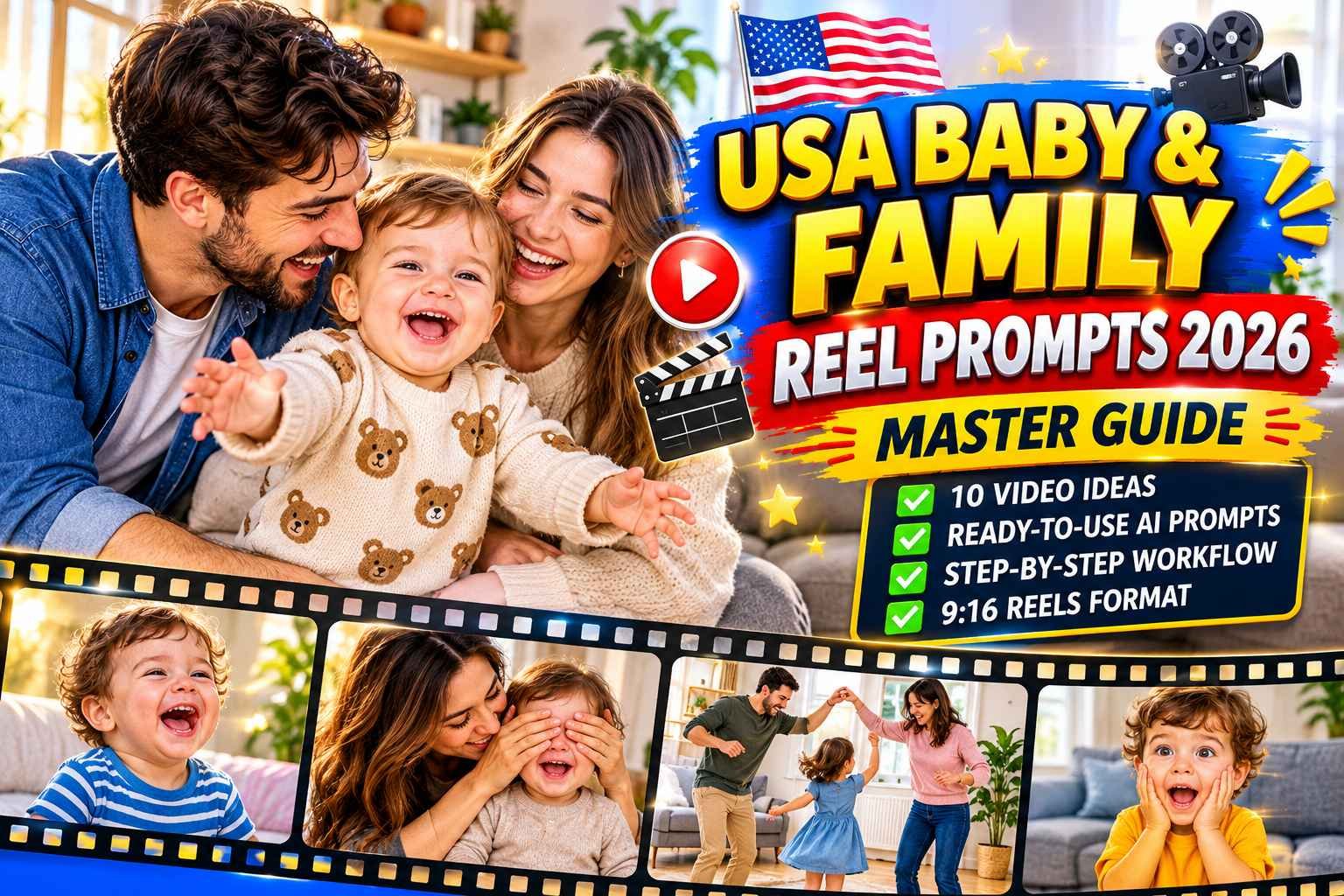
Open Instagram Reels or YouTube Shorts for five minutes and you’ll see what I mean. A baby squealing at a new toy, a messy family breakfast, a sleepy bedtime routine, somebody’s Christmas morning. Most of us in the US have lived some version of these moments, and they happen to suit the short vertical format really well. What’s changed lately is that a lot of these clips aren’t filmed at all. Creators are making them with AI, using made-up baby and family characters, clean scenes, and a warm voice-over on top.
When I first gave this a go, what caught me off guard was how little I actually needed. No camera crew, no studio, no animator. A few AI tools and a process I could repeat were enough, and I made a whole reel sitting on my couch. Most of the planning? One master prompt handles it.
In this post I’ll show you the exact process I follow. We’ll go from coming up with ideas, to writing the voice-over, to making images that look consistent, to animating them, and finally putting it all together into one reel. I’ll also tell you why each step is there, because once you understand the reason behind it, you can adjust the system yourself instead of just copying what I do.
One honest note before we start. Your results will depend on your niche, your consistency, and a bit of luck, so I can’t promise views or income. What I can say is that the workflow itself works, and you can run it again and again.
Why Baby & Family Reels Work
Honestly, almost everybody connects with baby and family moments. A baby figuring out a new toy, everyone squeezed around the dinner table, the slow sleepy wind-down at bedtime. People watch these and think “that’s us,” and that little spark of recognition is what makes them stay. There’s another perk too: these topics never really go out of style. A trend can be dead in a week, but a good family reel still feels fresh months later.
The vertical format works in your favor as well. Reels and Shorts do best when they show one clear idea fast, and baby scenes mostly tell their own story through what you see. Usually all you have to add is a short, warm voice-over.
And this niche happens to be a great match for AI. Another reason this works so well is how little there is to figure out. The scenes stay simple, the reels follow nearly the same pattern every time, and each tool only has one job to do. ChatGPT gives you the ideas and prompts, and an AI video tool turns them into clips.
How to Use This Guide
- Copy the ready-made master prompt below.
- Paste it into ChatGPT and press Enter. It will give you fresh reel ideas.
- Choose an idea, and ChatGPT will give you the prompts for your video.
- Use those prompts in an AI video tool to create your clips (tools are listed after the prompt).
MASTER PROMPT — USA BABY & FAMILY REEL PROMPT GENERATOR
Tap “COPY MASTER PROMPT” to copy everything.
These prompts are for educational purposes only. Results may vary depending on AI tool and customization.
Tools to Create Your Videos
Take the prompts ChatGPT gives you and generate your clips with any of these AI video tools:
- Seedance
- Google Flow
- Kling
Use the same tool and the same settings for every clip of a reel so all scenes look consistent.
Which Tool Should You Choose?
Seedance, Google Flow, and Kling can all turn a text prompt into a video clip, so which one you pick really comes down to personal taste. My suggestion is to run the same prompt through each of them, if they offer a free plan, and put the results side by side. Whichever one gives you the smoothest, most natural-looking movement is the one to stay with. Just keep in mind that free limits and features change all the time, so take a minute to read each tool’s current plan and terms before you start.
Tips for Better Results
- Stick to one idea per reel. A simple story is easier for people to follow, and it’s a lot easier for the AI to get right too.
- Keep your characters and setting the same from scene to scene. Same look, same room, and the whole reel feels like one story instead of a bunch of random clips.
- Watch every clip before you post it. Weird hands, extra fingers, or strange proportions are easy to miss at a glance, so if something looks off, just generate it again.
- Keep the baby scenes safe. Don’t show things like loose blankets or soft toys in a crib, and only use fictional AI characters, never real kids.
- Add something personal. A short caption or a tip from your own experience is what makes a reel feel like a real person made it, not like it was copied from somewhere.
- Use vertical 9:16 video and music you have the right to use.
Frequently Asked Questions
Do I need video editing skills?
Not much at all. For a simple reel, all you need is a basic editor: drop the clips in order, lay your voice-over on top, and add some soft background music underneath.
Can I post these videos on both Instagram Reels and YouTube Shorts?
Yes. Both use vertical 9:16 video and currently allow videos up to 3 minutes long.
Should I say my videos are made with AI?
Yes, wherever the platform asks you to. YouTube, for example, asks creators to disclose realistic content that viewers could mistake for real people, places, or events. Clearly animated content is generally not required to carry the label, but always check the current policy.
Will this guarantee views or income?
No. The prompt gives you a strong starting point, but results depend on your topic, your quality checks, and your consistency.
Final Thoughts
And honestly, that’s all there is to it. One master prompt hands you fresh ideas whenever you run out, and an AI video tool turns those ideas into clips that are ready to post.
Before you jump in, a few quick reminders. Read every idea and script yourself and make sure it’s accurate and safe, especially anything involving babies. Follow the rules of whichever platform you’re posting on, and label your video as AI-generated wherever they ask you to. Results are different for everyone, and nobody can promise you views or income, so just stay consistent and try to get a little better with each reel.
Okay, now copy the prompt, give it a try in ChatGPT, and publish your first reel.